How a Website Ends Up With More Than Four Home Pages
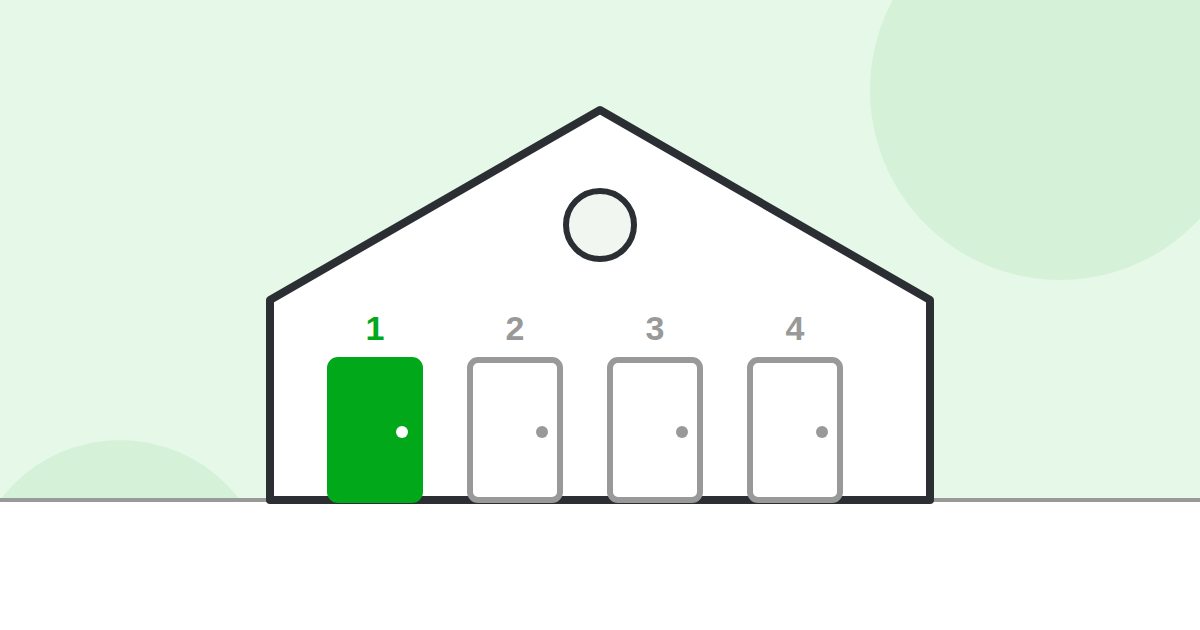
The short answer: your website’s home page can often be reached at several different addresses. To you they all look like the same page. To Google and to AI engines, each address can count as a separate page. That is how one website ends up with four, six or even ten “home pages” without the owner ever knowing.
As you will soon see, having four or more home pages can have a bad effect on your Google rankings and on how you appear in AI summaries. First, here is how it happens.
Think of your home page as a house with several front doors
Imagine a house with four front doors. Each door has its own street address. Friends who visit don’t care which door they use, because they end up in the same living room. But the post office treats every address as a different house. Some of your mail goes to door one, some to door two, and so on.
Your website works the same way. Google is the post office. Every address that opens your home page is another door.
The first four doors: www and https
Almost every website starts life with four possible home page addresses:
- http://yourbusiness.com
- http://www.yourbusiness.com
- https://yourbusiness.com
- https://www.yourbusiness.com
The only differences are the “www” at the front and the “s” in https (the “s” means the connection is secure and shows the padlock). On a well set up website, three of those addresses automatically send visitors to the fourth. That automatic forwarding is called a redirect. When the redirects are missing, all four doors stay open and each one shows its own copy of your home page.
How a site ends up with more than four
The extra doors usually come from the website’s history. Nobody adds them on purpose. Here are the common causes.
1. Old home page files
Older websites had a home page file with a name like index.html, index.php or default.aspx. On many servers that file still answers. So yourbusiness.com/index.html shows the same home page as yourbusiness.com. Multiply that by the four doors above and you now have eight.
2. Leftovers from a redesign
When a site is rebuilt, the old home page is often left behind at an address like /home, /home-2, /welcome or /old-site. It still opens, and other websites may still link to it.
3. A second domain name
Many businesses own more than one domain, such as yourbusiness.com and yourbusiness.net, or a misspelled version bought for safety. If the extra domain shows the same website instead of forwarding to the main one, every page on the site now exists twice.
4. A test copy that was never hidden
Web developers often build a new site at an address like staging.yourbusiness.com or dev.yourbusiness.com. If that copy is left open after launch, Google can find it and treat it as another version of your site.
5. Capital letters and small extras
On some servers, /Home and /home are two different addresses. A slash at the end, or tracking codes that some tools add to links, can create more versions still.
Why splitting the links divides your link power
When another website links to you, Google treats that link like a vote of trust. People in our business call this link power or authority. The more trusted votes a page has, the higher it tends to rank.
Now picture 40 websites linking to your home page. If 20 of them link to the “www” address, 12 link to the address without “www”, and 8 link to an old /index.html address, Google may count those as three different pages with 20, 12 and 8 votes. None of them looks as strong as one page with all 40.
The likely results are simple. Your home page ranks lower than it should for your most important searches. Google may choose to show a version you did not want, such as the one without the padlock. Google also spends its visit time reading copies instead of your other pages. And AI engines, which lean on the same signals of trust, have less reason to pick you as a source. We explain this side in more detail in how having multiple home pages can hurt your Google and AI rankings.
The good news
This is one of the easiest problems to fix. Your web developer sets one address as the main one and redirects every other door to it. It usually takes under an hour. After that, all of the votes are counted for a single home page.
Not sure how many doors your site has? Run the free test. It knocks on each door and shows you a simple red, yellow or green light.