The short answer: most businesses that AI engines ignore are not doing anything wrong on purpose. Something small is in the way: a blocked robot, words trapped inside pictures, a vague About page or business details that do not match. Here are the seven we see most often. Most take under an hour to fix.
1. One line in a settings file is blocking AI robots
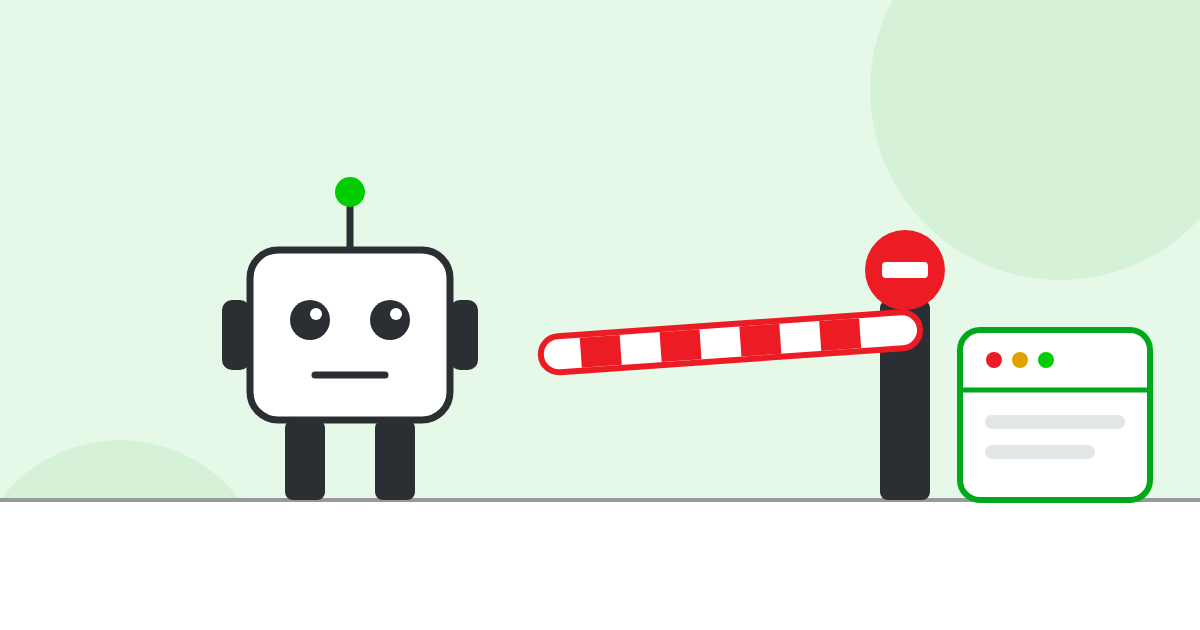
Every website can have a small file called robots.txt. It tells robots what they may read. Some website builders, security plugins and hosting companies now block AI robots by default, and many owners never know. Type yourbusiness.com/robots.txt into your browser. If you see names like GPTBot, OAI-SearchBot, ClaudeBot, PerplexityBot or Google-Extended next to the word “Disallow”, those AI engines have been told to stay out. Ask your web developer whether that was your choice.
What is a robot?
A robot (also called a “bot” or a “crawler”) is a computer program that visits websites on its own and reads the pages, much like a person would, only far faster. Google uses one to build its search results. AI companies such as OpenAI use their own robots to collect the information their AI uses to answer questions. If a robot cannot read your site, that search engine or AI does not know what is on it.
2. Your security system is turning robots away
Firewalls and “bot protection” tools are useful, but some are set so strictly that they block the good robots along with the bad ones. If your site uses Cloudflare, Wordfence or a similar tool, ask your developer to check that well-known search and AI robots are allowed in.
3. Your important words are inside pictures
If your services, prices or opening hours are part of an image, a PDF or a video, most robots cannot read them. Put the important facts on the page as normal text. You can keep the image too.
4. Your pages only show up after scripts run
Some modern websites send an almost empty page first and then fill it in using JavaScript. People never notice. Many AI robots do not wait for that second step, so they see a blank page. A quick check: open your page, right-click, choose “View page source” and search for a sentence from your page. If it is not there, ask your developer about it.
5. There is no real “About us” page
AI wants to know who is behind a website. A page with your business name, what you do, where you are, how long you have been doing it and the names of real people gives it something solid to work with. “We are passionate about quality” tells it nothing.
6. Your business details do not match across the web
If your website says “Smith Plumbing LLC” on Main Street, Google says “Smith & Sons Plumbing” on Oak Avenue, and Yelp shows an old phone number, a machine cannot be sure these are the same business. Pick one exact name, address and phone number, and use it everywhere.
7. Your home page has more than one address
If your home page opens with and without “www”, and with both http and https, the trust your site has earned is split between the copies. A site that looks weaker is less likely to be picked as a source. Our free test checks this in 10 seconds, and you can read how a site ends up with more than four home pages.
What to do with this list
Do not try to fix everything today. Check number 1 and number 7 first, because they take a minute each and they matter most. Then work through the rest over the next month. When you are done, run the 15-minute AI visibility check to see where you stand.