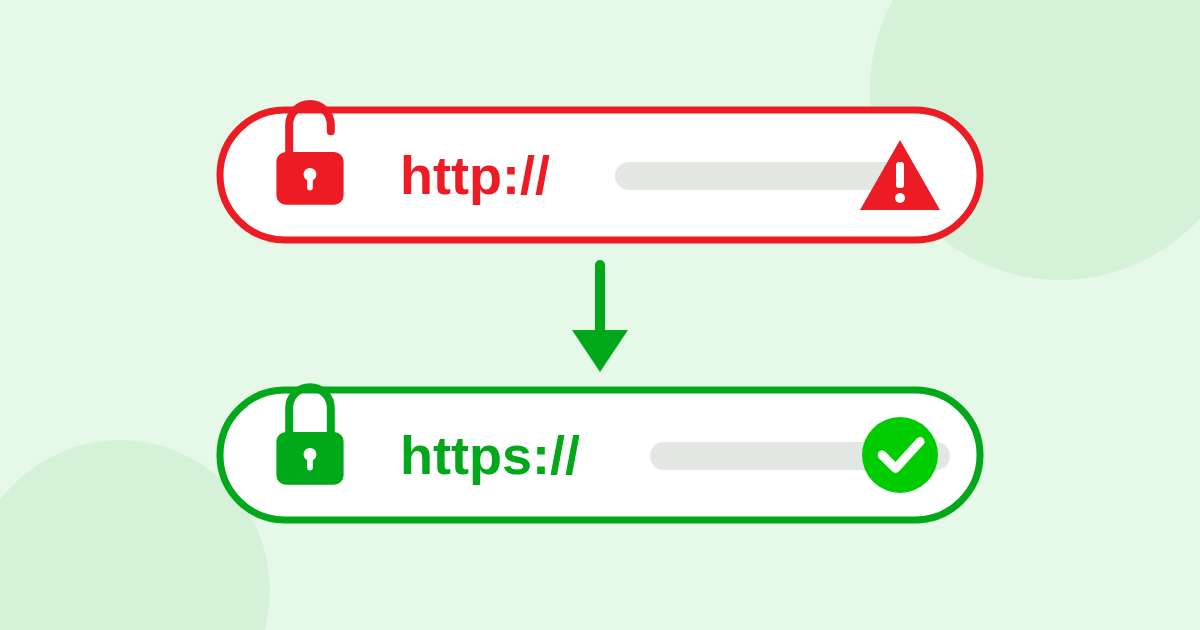
The short answer: if your website address starts with http instead of https, browsers may warn visitors that your site is “Not secure”. Many people leave when they see that, and Google prefers secure websites. The fix is usually free and takes your web host a few minutes.
What the “s” means
The “s” in https stands for “secure”. It means that anything sent between your visitor and your website is scrambled, so nobody in between can read it. Browsers show this with a padlock or a similar symbol next to the address.
Why it matters even if you do not sell anything online
- The warning scares people. “Not secure” next to your business name is a bad first impression, even on a simple contact page.
- Google prefers secure pages. When everything else is equal, the secure site has the edge. In our experience, insecure websites are often not shown at all.
- Forms are at risk. A contact form on an insecure page sends names, emails and phone numbers across the internet in plain text.
- It looks out of date. Nearly every active business website is secure today. One that is not looks abandoned, to people and to AI engines.
How to check in 10 seconds
Type your address into your browser with http:// at the front, like http://yourbusiness.com. One of three things will happen:
- It jumps to https and shows the padlock. Good. That is what should happen.
- It stays on http and shows a warning. Your site is either not secure, or the insecure version is still open.
- It shows a scary full-page warning. Your security certificate is missing or has expired.
Or let our free test do it. It checks the http and https versions of your home page, with and without “www”.
How it gets fixed
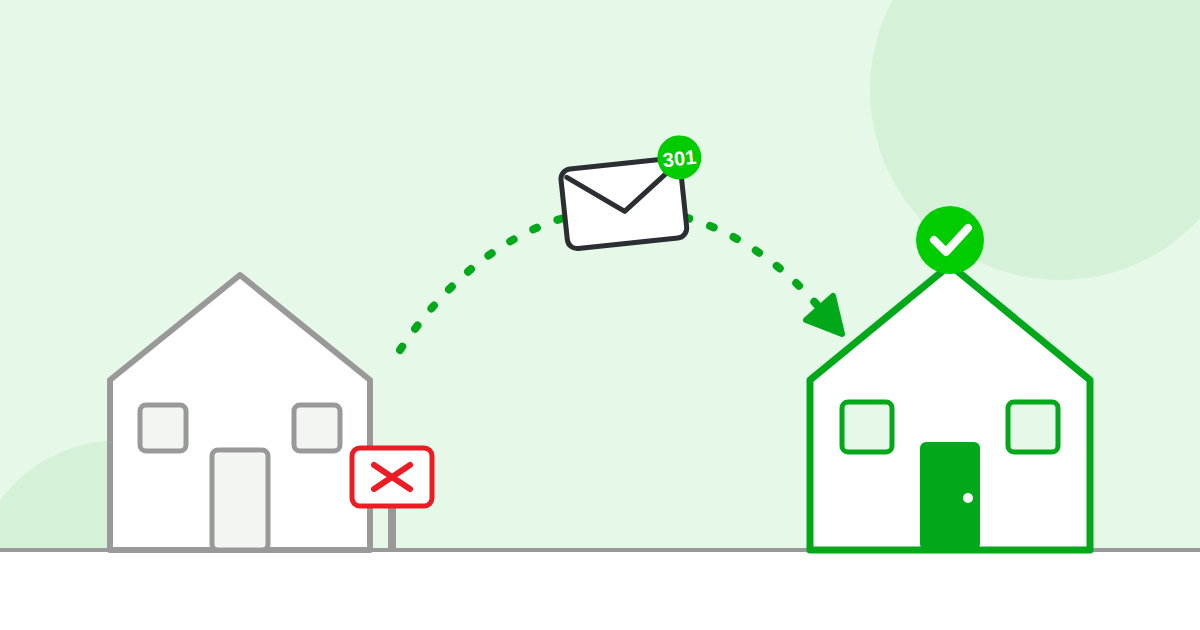
Your site needs a security certificate, often called an SSL certificate. Most hosting companies now include one for free. Once it is installed, your developer sets a permanent redirect so that every http address forwards to the https one. If you are not sure what that means, read what is a redirect?
A common trap: secure, but the old door is still open
Many websites have the certificate, but the old http address still opens instead of forwarding. Visitors who use an old link see the warning, and Google sees two copies of your home page. It is one of the most common problems our test finds.