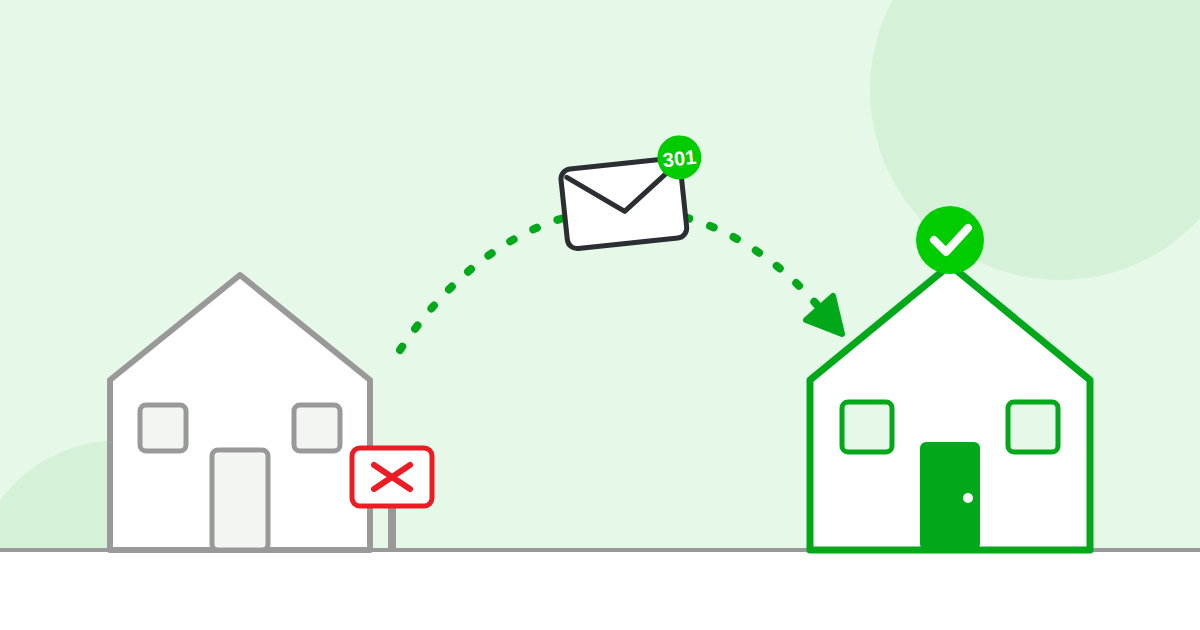
The short answer: a redirect is a forwarding address for a web page. When someone goes to the old address, they are sent to the new one automatically. A “301” redirect tells Google the move is permanent, so the trust the old address earned moves to the new one too.
The mail forwarding example
When you move house, you fill out a form at the post office. Mail sent to your old address is forwarded to your new one. A redirect does the same job for a web address. Visitors and Google both end up in the right place, and most never notice it happened.
When you need one
- You changed the address of a page
- You deleted a page and have a newer one that replaces it
- You moved to a new domain name
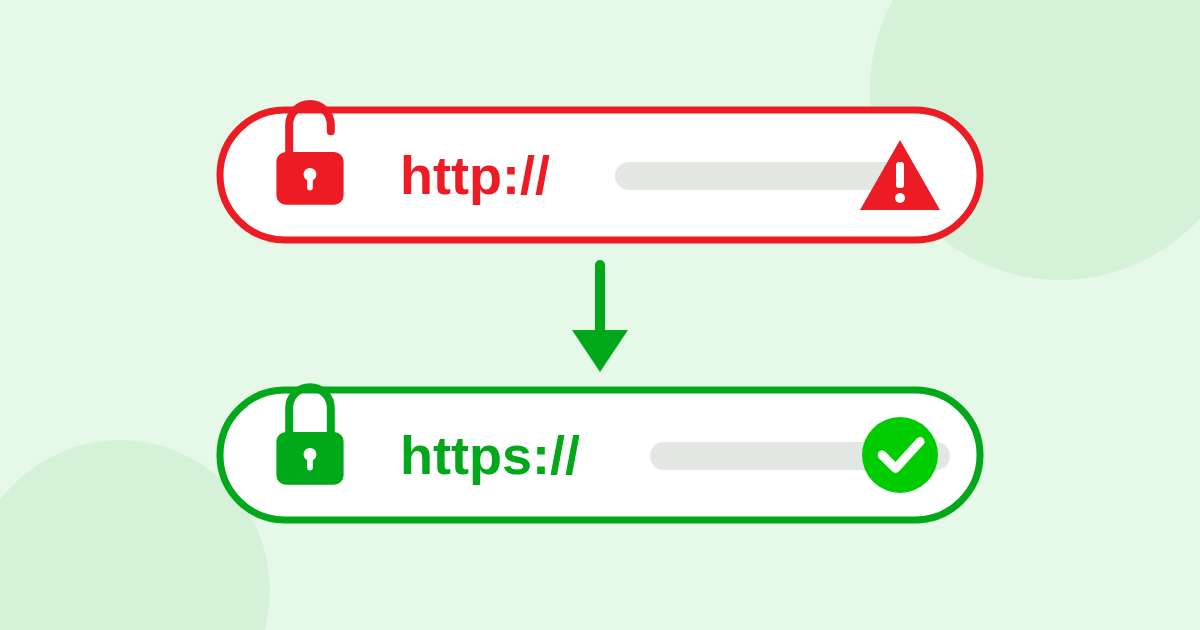
- Your home page opens at more than one address (with and without “www”, or with http and https)
301 and 302: the only two numbers worth knowing
A 301 means “moved permanently”. Google passes the old page’s trust to the new address and, over time, stops showing the old one.
A 302 means “moved for now”. Google may keep the old address in its results and may not pass the trust along in the same way. A 302 is fine for something that really is short term, like a holiday sale page. For everything else, ask for a 301. A common mistake is a developer using a 302 when a 301 was needed.
What goes wrong
No redirect at all
The old address still opens and shows the same content as the new one. Now you have two copies, and they share the trust between them. This is how a site ends up with more than four home pages.
Chains
Address A sends you to B, which sends you to C, which sends you to D. Each hop slows things down, and robots may give up before the end. Every old address should go straight to the final one in a single hop.
Loops
A sends you to B, and B sends you back to A. The page never loads. This is rare, but it is serious.
How do I know if mine are set up right?
For your home page, run the free test. It knocks on all four front doors and shows you where each one leads, how many hops it takes, and whether the redirects are the permanent kind.
Who fixes it?
Your web developer or your hosting company. It is a change to the site’s settings, and the content of your pages does not change. For a home page it usually takes under an hour. If the test shows a yellow or red light, click the green button and we will write the note for you to send.